Understanding DNS and Why DNS Lookup is Important
onzlabs
July 12, 2024
4 min read
Learn how DNS works as the internet's phone book, converting domain names to IP addresses. Discover why DNS lookup is crucial for web browsing and troubleshooting connection issues.
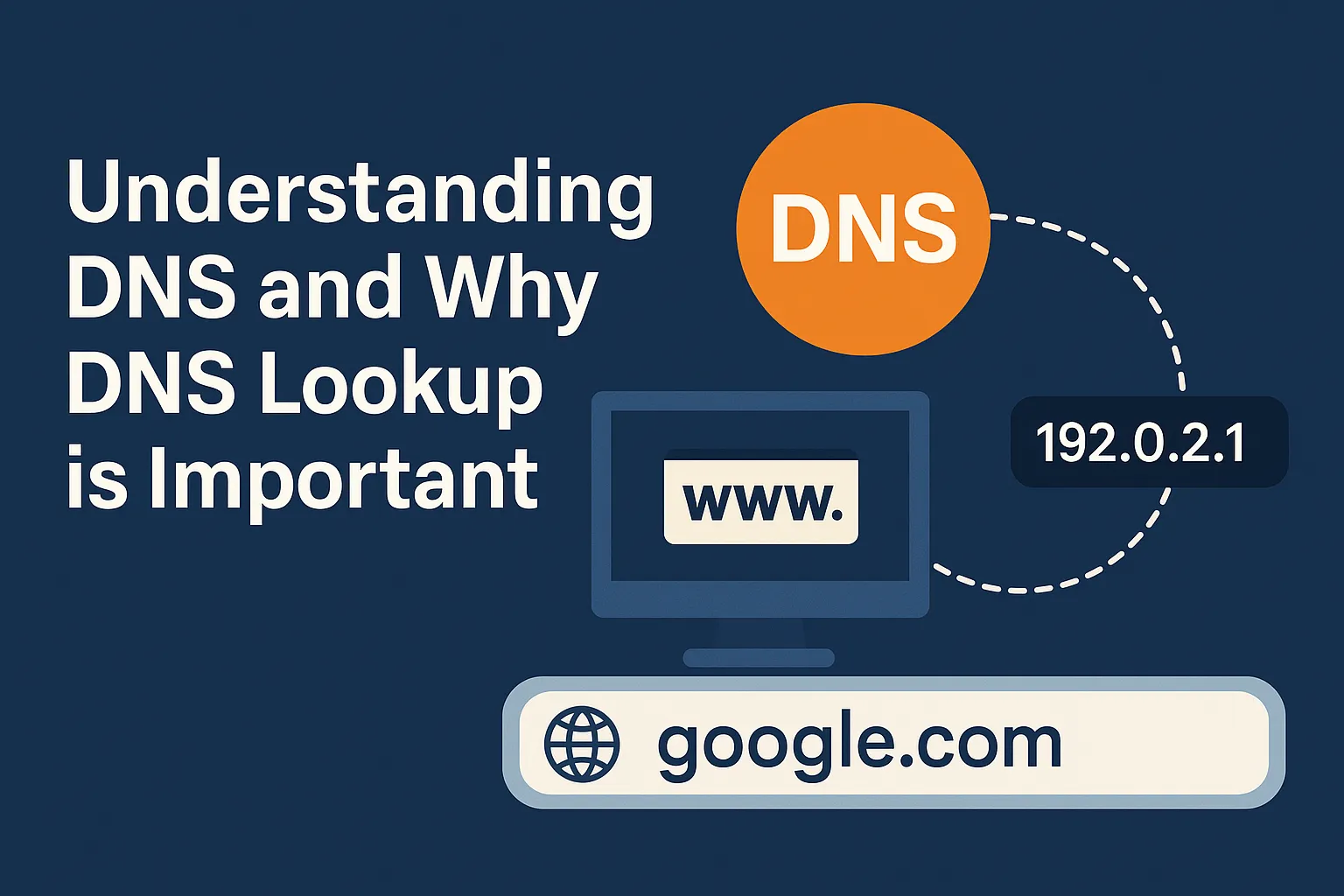
Have you ever wondered how your computer finds a website like google.com when you type it into your browser? It's not magic! Behind the scenes, there's a crucial system working tirelessly to connect you to the right place: the Domain Name System, or DNS. Think of DNS as the internet's phone book.
What is DNS? The Internet's Phone Book
Just like a phone book translates a person's name into a phone number, DNS translates human-readable website names (like onzlabs.com) into computer-readable IP addresses (like 192.0.2.1). Every device connected to the internet has a unique IP address, and that's how computers communicate with each other.
Without DNS, you'd have to remember long strings of numbers for every website you wanted to visit. Imagine trying to remember 172.217.160.142 instead of google.com! DNS makes the internet user-friendly.
Why is DNS Lookup Important?
A "DNS lookup" is the process of finding out which IP address a domain name points to. It's fundamental to almost everything you do online:
- Accessing Websites: When you type a website address, your computer performs a DNS lookup to get the IP address. Only then can it connect to the web server hosting the website and load the page. If DNS fails, the website won't load.
- Troubleshooting: If a website isn't loading, a DNS lookup is often the first step in diagnosing the problem. It can tell you if the domain name is pointing to the wrong server, or if there's no record for it at all.
- Email Delivery: DNS isn't just for websites. It also tells email servers where to send your emails. Without correct DNS records, your emails might never reach their destination.
- Security and Verification: DNS records are used for various security measures, like verifying domain ownership (to prevent phishing) and ensuring emails are sent from legitimate sources (SPF, DKIM records).
Key DNS Record Types You Should Know
DNS stores different types of information in "records." Here are some of the most common ones:
- A Record (Address Record): This is the most basic type. It maps a domain name (e.g.,
example.com) to an IPv4 address (e.g.,93.184.216.34). This is how your browser finds the server hosting the website. - AAAA Record (Quad-A Record): Similar to an A record, but it maps a domain name to an IPv6 address (e.g.,
2001:0db8:85a3:0000:0000:8a2e:0370:7334). IPv6 is the newer version of IP addresses. - MX Record (Mail Exchange Record): This record tells email servers where to deliver emails for your domain. It points to the mail server responsible for handling your domain's email (e.g.,
mail.example.com). - NS Record (Name Server Record): These records identify the authoritative DNS servers for a domain. Essentially, they tell the internet which servers hold the master copy of a domain's DNS records.
- TXT Record (Text Record): This record allows administrators to add arbitrary text to their DNS. It's commonly used for:
- SPF (Sender Policy Framework): Helps prevent email spoofing by listing authorized mail servers.
- DKIM (DomainKeys Identified Mail): Adds a digital signature to outgoing emails to verify their authenticity.
- Domain Verification: Used by services (like Google or Microsoft) to confirm you own a domain.
Understanding TTL (Time To Live)
Every DNS record has a "Time To Live" (TTL) value, measured in seconds. TTL tells DNS resolvers (the servers that look up DNS information) how long they should cache (store) a record before requesting a fresh copy from the authoritative server.
- What it means: If a record has a TTL of 3600 seconds (1 hour), a DNS resolver will store that information for an hour. After an hour, it will ask the authoritative server for the latest information again.
- Why it matters:
- Propagation: When you make changes to your DNS records (e.g., moving your website to a new server), the old information might still be cached by various DNS resolvers around the world. The TTL determines how long it takes for these changes to "propagate" (spread) across the internet. A lower TTL means faster propagation, but also more frequent queries to your authoritative DNS servers.
- Performance: A higher TTL means DNS resolvers cache information longer, reducing the number of queries and potentially speeding up website loading for repeat visitors. However, it also means changes take longer to update globally.
Conclusion
DNS is a silent but essential workhorse of the internet. It ensures that when you type a friendly domain name, you're seamlessly connected to the correct digital destination. Understanding DNS, its record types, and TTL can help you troubleshoot connectivity issues, manage your online presence, and appreciate the intricate network that powers our digital world.