Understanding IP Addresses: The Internet's Digital Fingerprints
onzlabs
July 12, 2024
4 min read
Discover what IP addresses are, how they work, and why they're essential for internet communication. Learn about IPv4 vs IPv6 and how these digital fingerprints keep the internet running smoothly.
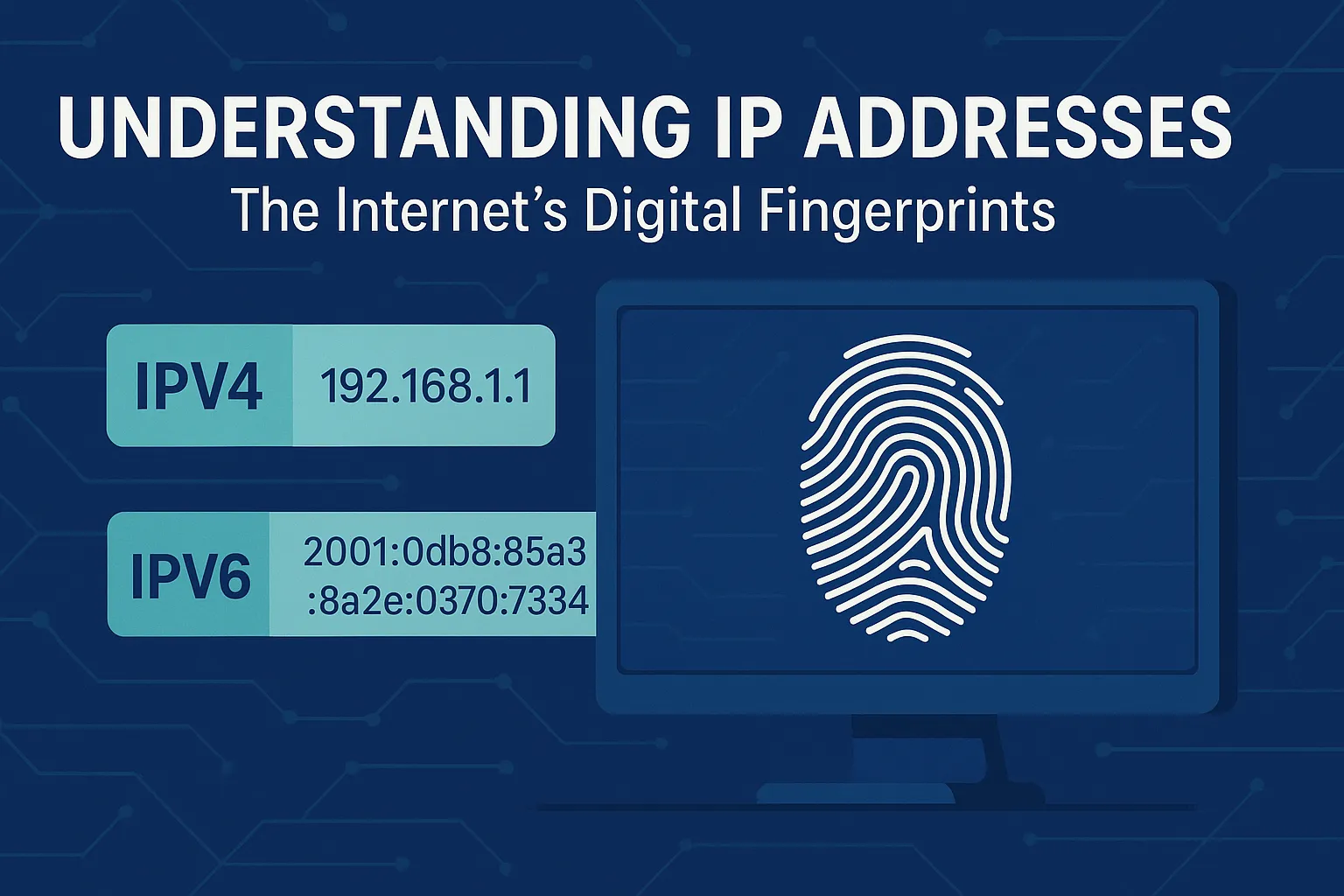
Imagine sending a letter without an address, or calling someone without a phone number. It would be impossible to reach the right person! The internet works in a similar way, and for every device to communicate, it needs a unique identifier. That's where IP addresses come in.
What is an IP Address? The Internet's Digital Fingerprint
An IP (Internet Protocol) address is a numerical label assigned to every device connected to a computer network that uses the Internet Protocol for communication. Think of it as your device's unique digital fingerprint on the internet. Just like your home address tells mail carriers where to deliver your mail, an IP address tells data packets where to go on the internet.
These addresses allow devices to find and communicate with each other, whether it's your smartphone accessing a website, your laptop sending an email, or a server hosting a video.
Why are IP Addresses Used?
IP addresses serve two main functions:
- Identification: They uniquely identify a device on a network.
- Location Addressing: They provide the location of the device on the network, enabling data to be routed to the correct destination.
Without IP addresses, the internet as we know it wouldn't exist. Every time you visit a website, send an email, or stream a video, IP addresses are working behind the scenes to ensure the data gets to and from the right place.
IP Address Versions: IPv4 vs. IPv6
There are two primary versions of IP addresses:
-
IPv4 (Internet Protocol version 4): This is the older and most widely used version. IPv4 addresses are 32-bit numbers, typically represented as four sets of numbers separated by dots (e.g.,
192.168.1.1). Each set can range from 0 to 255. This system allows for approximately 4.3 billion unique addresses.- The Problem: With the explosion of internet-connected devices (smartphones, smart TVs, IoT devices), 4.3 billion addresses are no longer enough. We're running out!
-
IPv6 (Internet Protocol version 6): Developed to address the IPv4 exhaustion, IPv6 uses 128-bit addresses. These are much longer and are typically represented as eight groups of four hexadecimal digits separated by colons (e.g.,
2001:0db8:85a3:0000:0000:8a2e:0370:7334). IPv6 offers an astronomical number of unique addresses – enough for every grain of sand on Earth to have its own IP address, and then some! It also brings improvements in routing efficiency and security.
IP Address Classes (IPv4 Legacy)
Before the more flexible CIDR (Classless Inter-Domain Routing) system, IPv4 addresses were categorized into classes (A, B, C, D, E) based on their first few bits. While less relevant for modern networking, understanding them helps with historical context:
- Class A: Designed for very large networks. The first octet (first number) ranges from 1-126. (e.g.,
10.0.0.0/8) - Class B: For medium to large networks. The first octet ranges from 128-191. (e.g.,
172.16.0.0/16) - Class C: For small networks. The first octet ranges from 192-223. (e.g.,
192.168.1.0/24) - Class D: Reserved for multicasting.
- Class E: Reserved for experimental use.
What is a Subnet? Dividing Networks
Imagine a large office building. Instead of having one giant open space, it's divided into smaller offices or departments. This makes it easier to organize, manage, and secure. In networking, a subnet (short for sub-network) does the same thing: it divides a larger network into smaller, more manageable segments.
Subnetting helps improve network performance, enhance security, and efficiently manage IP addresses. Each subnet has its own unique network address.
What is a Prefix? Defining Network Size (CIDR)
With the rise of CIDR (Classless Inter-Domain Routing), the concept of IP classes became less important. Instead, we use a prefix (also known as a CIDR prefix or subnet mask) to define the network portion of an IP address and, consequently, the size of the subnet.
The prefix is represented by a slash (/) followed by a number (e.g., /24 in 192.168.1.0/24). This number indicates how many bits in the IP address are used for the network portion, starting from the left. The remaining bits are used for host addresses within that network.
- Example: In
192.168.1.0/24:- The
/24means the first 24 bits define the network (192.168.1). - The remaining 8 bits (32 - 24 = 8) are for host addresses within that network. This allows for
2^8 = 256possible addresses in this subnet.
- The
Conclusion
IP addresses are the backbone of internet communication, enabling billions of devices worldwide to connect and exchange data. From the widely used IPv4 to the future-proof IPv6, and the concepts of subnets and prefixes that allow for efficient network management, understanding IP addresses is key to grasping how our digital world operates. They are truly the internet's digital fingerprints, guiding every piece of information to its correct destination.